Free
For trying it out and personal projects.
$0/mo
- 5 exports every month
- All mold modes, full quality
- STL + 3MF + instructions
- Personal use
- Small SPLITMOLD mark on the outer side of the base
Load a model. SPLITMOLD repairs it, finds the parting line, adds keys, a sprue and air vents, and builds every printable part of the mold in seconds — with up to 75% less silicone than a box mold.
 Silicone, counted livePrinted shell hugs the modelSTL + 3MF, or straight to Bambu Studio
A box mold fills every corner around the model with silicone. The hugging shell is printed a few millimetres away from the surface, so the silicone becomes an even glove — and most of the cost stays in the bottle.
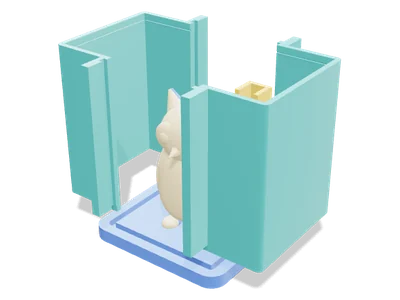
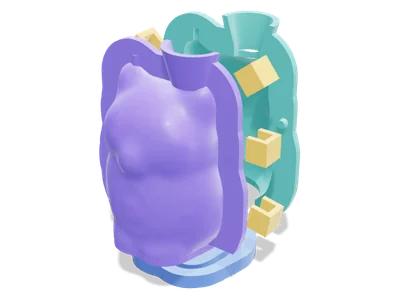
Silicone volume computed by SPLITMOLD for the same models with default settings: rectangular box mold vs hugging shell.
Switch tools at any time — the mold rebuilds on the spot with your model, size and orientation kept.
 Most used
An open box or a hugging shell around the model: print it, pour silicone, demold. Tongue-and-groove base and seam locks keep it leak-proof.
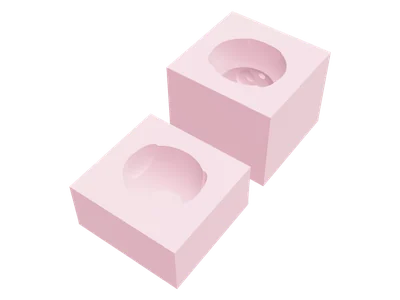
Two silicone halves with registration keys. A printed cradle replaces modelling clay; sprue and vents are placed for you.
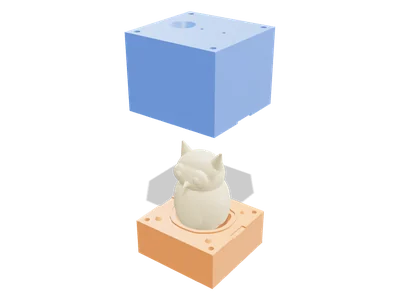
Two printed halves with keys, a sealing ridge, bolt holes and pry slots. No silicone at all.
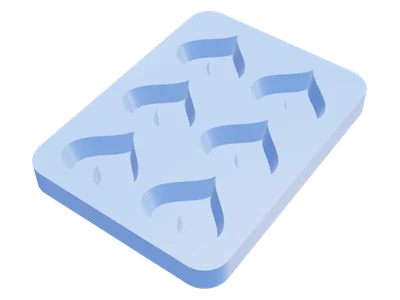
One printed part with as many cavities as fit the bed, optional stick slots. Print it and pour.
 Coming soon
Molds for concrete and plaster vases with a wall of a set thickness.
 Coming soon
Split plaster molds for ceramics: print the formwork, pour plaster.
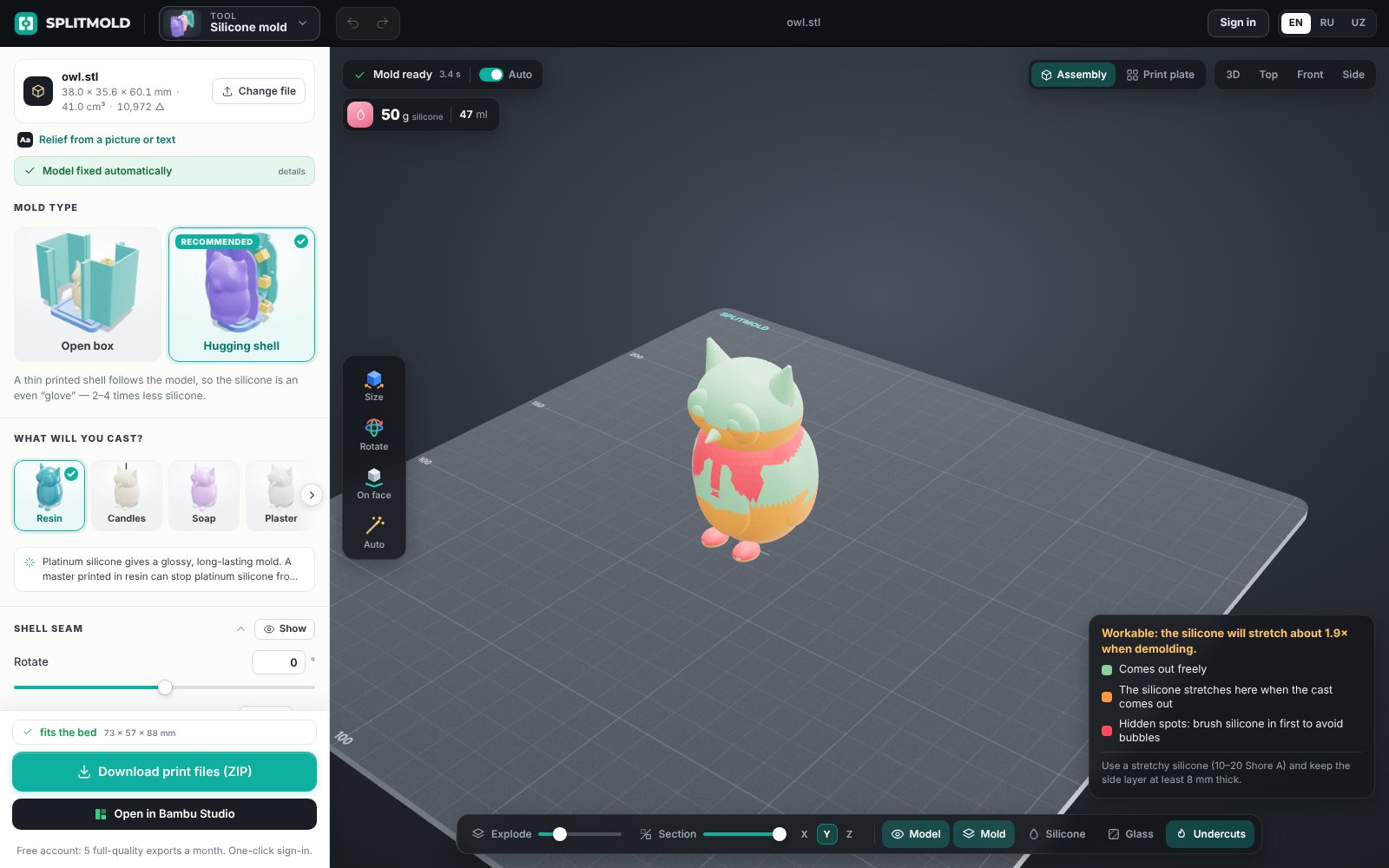
Drop an STL, OBJ, 3MF or GLB. Broken and AI-generated meshes are repaired gently; undercuts are shown on the model.
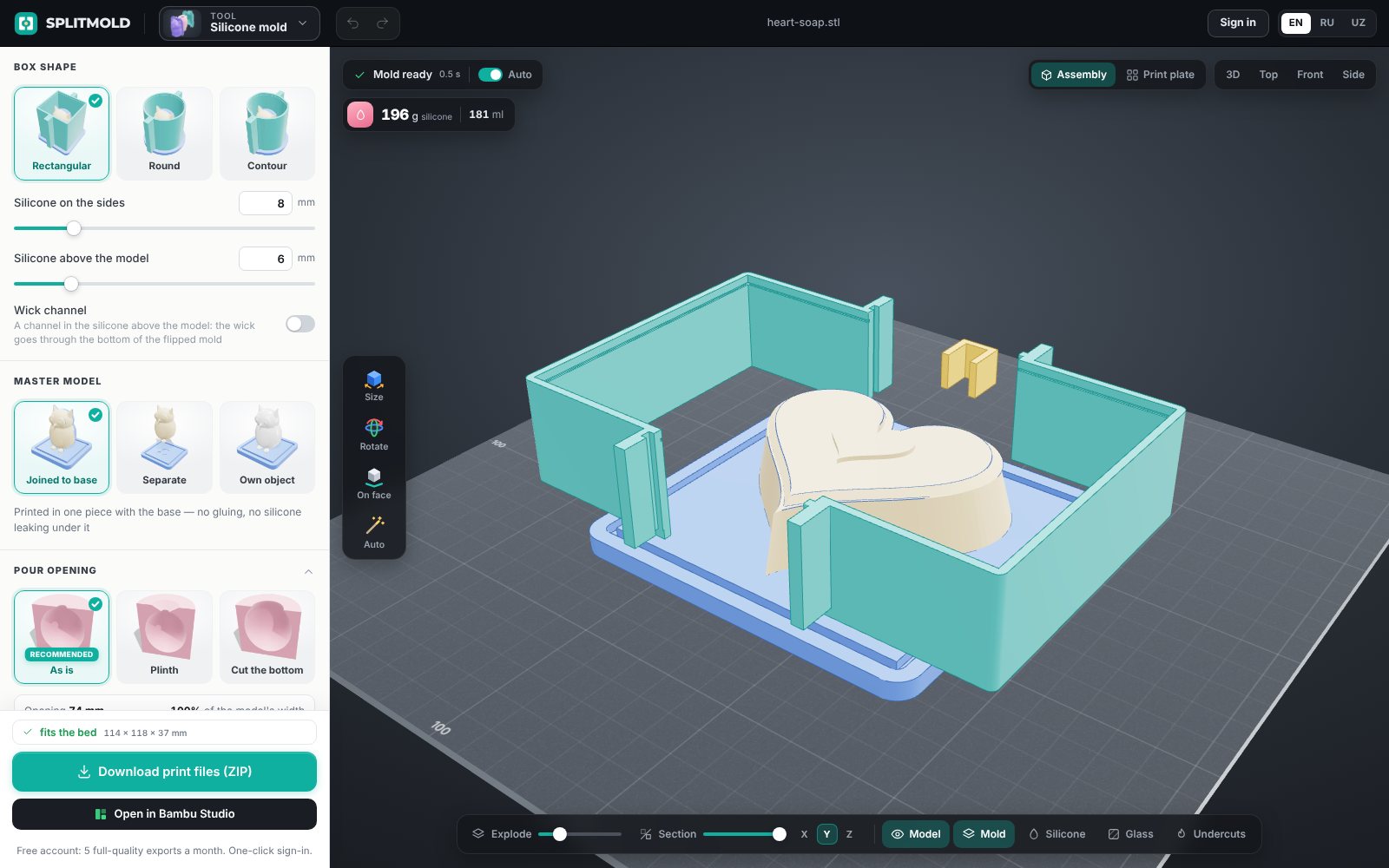
Choose the mold, rotate the model, move the seam, set walls and keys. Every change rebuilds the mold in a second or two.
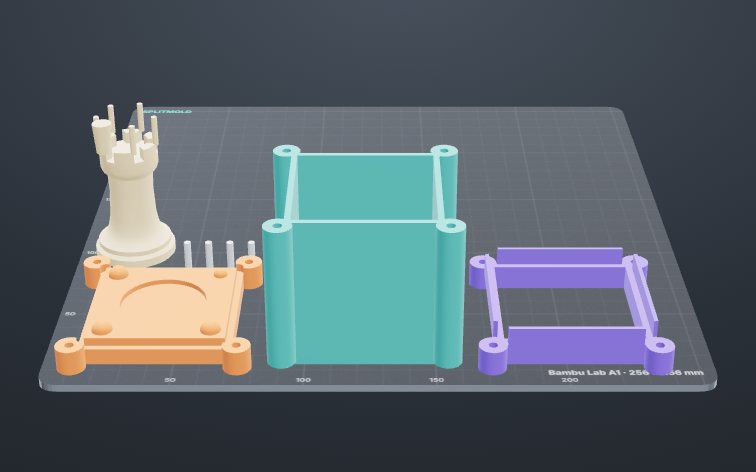
Download STL files and a 3MF with every part on the plate, or open it in Bambu Studio. Step-by-step casting instructions come with it.
All geometry is computed in your browser with WebAssembly. Nothing is uploaded — not the file, not the mold. We only count exports.
Every plan includes every mold type in full quality.
For trying it out and personal projects.
For makers who cast every week and sell what they make.
Pay once. Pro for the lifetime of the service.
Checkout opens in the next few days. Reserve now to lock a lifetime 30% Early Bird discount on Pro or a Founder spot at $149 — and get 5 bonus exports right away.
Prices in USD. Taxes are calculated at checkout. Payments are processed by Paddle, our Merchant of Record. 14-day money-back guarantee. Refund Policy
No. The mold is computed in your browser with WebAssembly. The server only signs you in and counts exports; it never receives your model or the mold.
It opens STL, OBJ, 3MF, GLB and GLTF. Files come out as STL plus a 3MF with every part on the plate, which opens in Bambu Studio, OrcaSlicer, PrusaSlicer and Cura. Bed sizes of Bambu Lab, Prusa, Creality, Elegoo and Anycubic printers are built in.
With the hugging shell, typically 60–75% compared with a box mold — 67–77% on our example models. The editor shows the exact volume in millilitres and grams as you change settings.
One set of print files for one model with one set of settings. Downloading it again within 24 hours — for example the 3MF after the ZIP — is not counted twice. Previewing and changing settings is always free.
A small “SPLITMOLD” lettering debossed 0.4 mm into the print-bed side of the base. It is placed only where the plastic is solid, never touches the cavity and never shows on your casts. Pro and Founder files have no mark.
Yes, on Pro and Founder. Molds downloaded while you are subscribed to Pro carry perpetual commercial rights; Founder includes lifetime commercial rights. The Free plan is for personal use.
No. Open the editor in a current Chrome, Edge, Firefox or Safari on a computer. A desktop or laptop is recommended for heavy models.
No card, no install. Try every tool on your own model.